Tech explained
Charge Your Phone to 80% or 100%? The Trade-off Explained
Updated Nov 28, 2026 · 3 min read
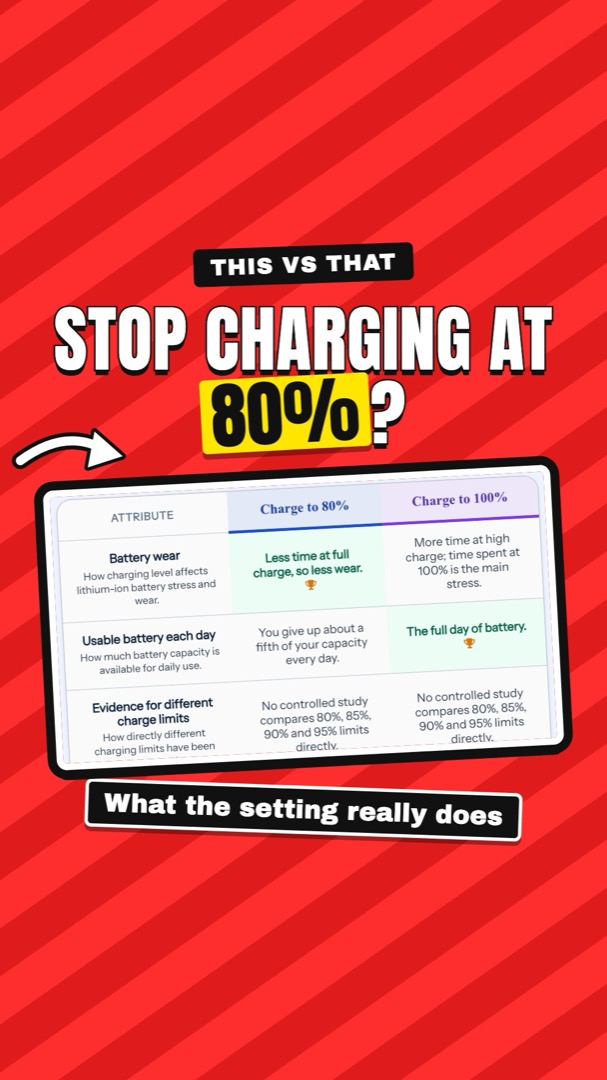
Lithium-ion batteries wear faster when they sit at a high charge, especially when warm, so an 80% limit means less wear. The cost is about a fifth of your usable battery every day. If you keep your phone 3 years or more and rarely run low, try 80 or 85%; if you upgrade often or need every percent by evening, charge to 100. Either way, avoid heat.
Key points
- ●iPhone 15 and later can cap charging at 80, 85, 90 or 95%.
- ●Samsung's Protect Battery stops at 85%; newer models can cap at 80%.
- ●Sitting full, especially when warm, wears lithium-ion batteries faster.
- ●An 80% cap gives up about a fifth of your daily battery.
- ●Keep a phone 3+ years: 80 or 85. Upgrade often: 100. Always avoid heat.
The question
Your phone can stop charging before it's full. Should you let it? Both Apple and Samsung now offer a charge limit, and the honest answer is that it depends on how long you keep your phone.
The settings
iPhone 15 and later: Settings, Battery, Charging. You can pick a limit of 80, 85, 90, 95 or 100%. With 80% set, Apple says the iPhone occasionally charges to 100% anyway, to keep its battery estimate accurate.
Samsung Galaxy: Protect Battery caps charging at 85%. Newer models also have a Maximum level setting that caps it at 80%.
Why a limit helps, and what it costs
Lithium-ion batteries wear faster when they sit at a high charge, and faster still when they're warm. Time spent at 100% is the main stress. A limit means your phone spends less time full, so the battery wears more slowly. That's the whole case for it: not a faster phone or a longer day, just slower ageing of the battery.
An 80% limit gives up about a fifth of your usable battery. Not once, but every day. If you often hit low battery by evening, that fifth hurts.
Say your phone lasts from 7 in the morning to 11 at night on a full charge. Cap it at 80% and, roughly, you lose the last fifth of that: the phone that used to make it to bedtime might now be asking for a charger in the evening. If you end most days with plenty left, you'll never notice. If you're often in the red by dinner, you will.
That's why the choice isn't the same for everyone. The wear you save is spread over years. The battery you give up is felt every single day.
How much it really matters
Two facts keep this in proportion.
First, phone batteries are built to keep roughly 80% of their health after about 1,000 to 2,000 charge cycles, according to Android Authority. That's years of daily charging before the battery is noticeably weaker.
Second, no controlled study compares 80, 85, 90 and 95% limits directly. A lower limit means less time near full, but nobody has measured exactly how much each step buys you. So treat 80 versus 85 as a matter of taste, not science. The bigger decision is whether to use a limit at all.
80% vs 100% side by side
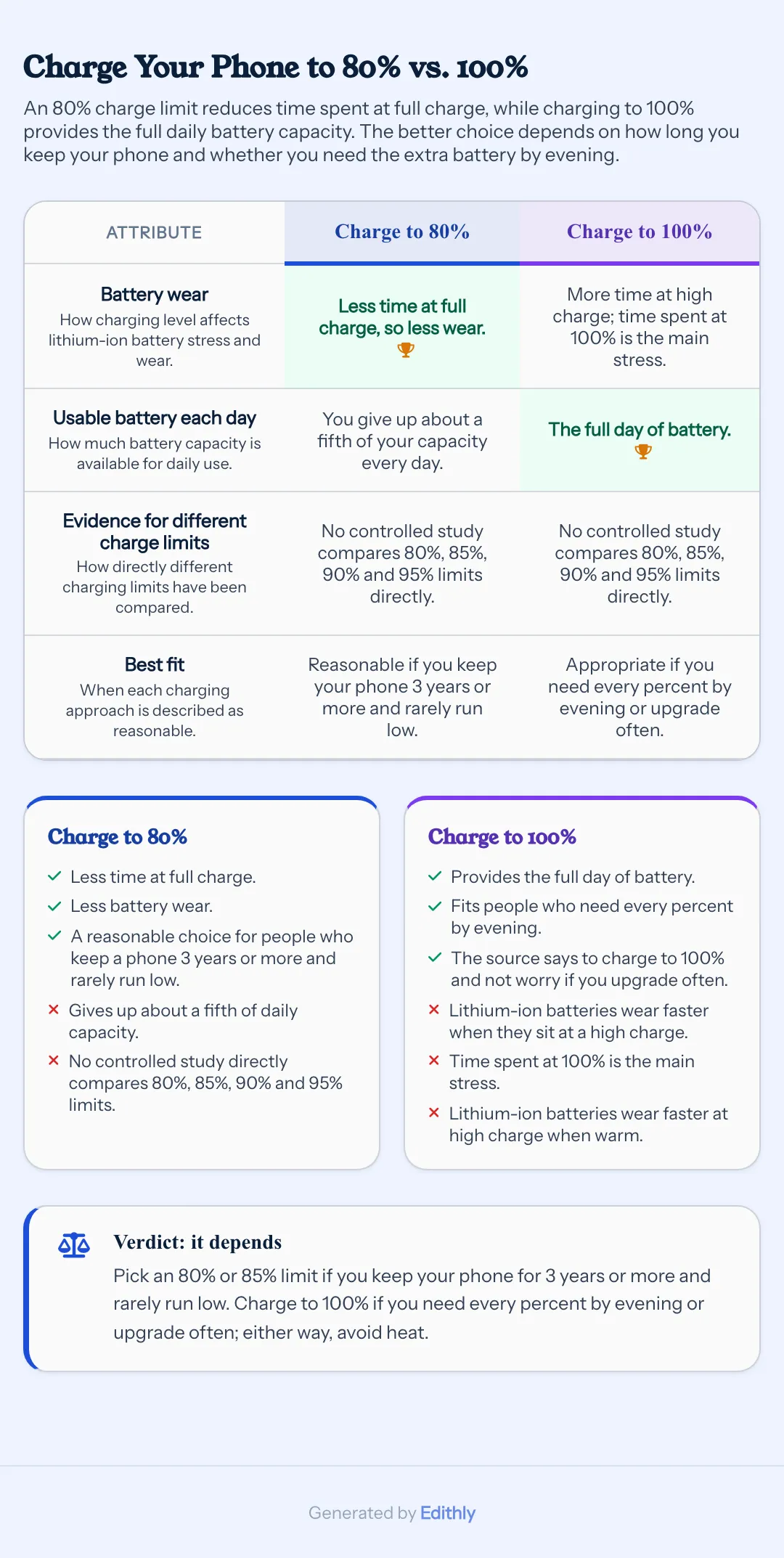
The visual sheet above puts the two options in one table:
| Charge to 80% | Charge to 100% | |
|---|---|---|
| Battery wear | Less time full, less wear | More time at high charge |
| Usable battery each day | About a fifth less | The full day |
| Evidence between limits | No head-to-head study | No head-to-head study |
| Best fit | Keep phone 3+ years, rarely run low | Upgrade often, need every percent |
What to pick
- You keep your phone 3 years or more and rarely run low: try an 80 or 85% limit.
- You upgrade often, or need every percent by evening: charge to 100 and don't worry about it.
- Either way, avoid heat. No charging under a pillow or in a hot car. Heat speeds up wear whatever limit you choose.
Not sure which camp you're in? Try the limit for a week. If you never run short, keep it. If you keep hunting for a charger, switch back to 100 and spend your effort on keeping the phone cool instead.
Sources
Apple Support for the iPhone charge limit settings, Samsung for Protect Battery, and Android Authority for the 1,000 to 2,000 cycle figure.
Frequently asked questions
Is charging my phone to 100% bad for the battery?
It adds some wear, because lithium-ion batteries wear faster when they sit at a high charge, especially when warm. But phone batteries are built to keep roughly 80% of their health after about 1,000 to 2,000 charge cycles, so for many people it doesn't matter much.
How do I set an 80% charge limit on iPhone?
On iPhone 15 and later, go to Settings, Battery, Charging and pick 80, 85, 90, 95 or 100%. Apple says that with 80% the iPhone occasionally charges to 100% to keep its battery estimate accurate.
Is 80% better than 85% or 90%?
Nobody knows exactly. No controlled study compares 80, 85, 90 and 95% limits head to head. Lower means less time near full, but how much difference each step makes hasn't been measured directly.
Does Samsung have a charge limit?
Yes. Samsung Galaxy phones have Protect Battery, which caps charging at 85%, and newer models have a Maximum level setting that caps it at 80%.