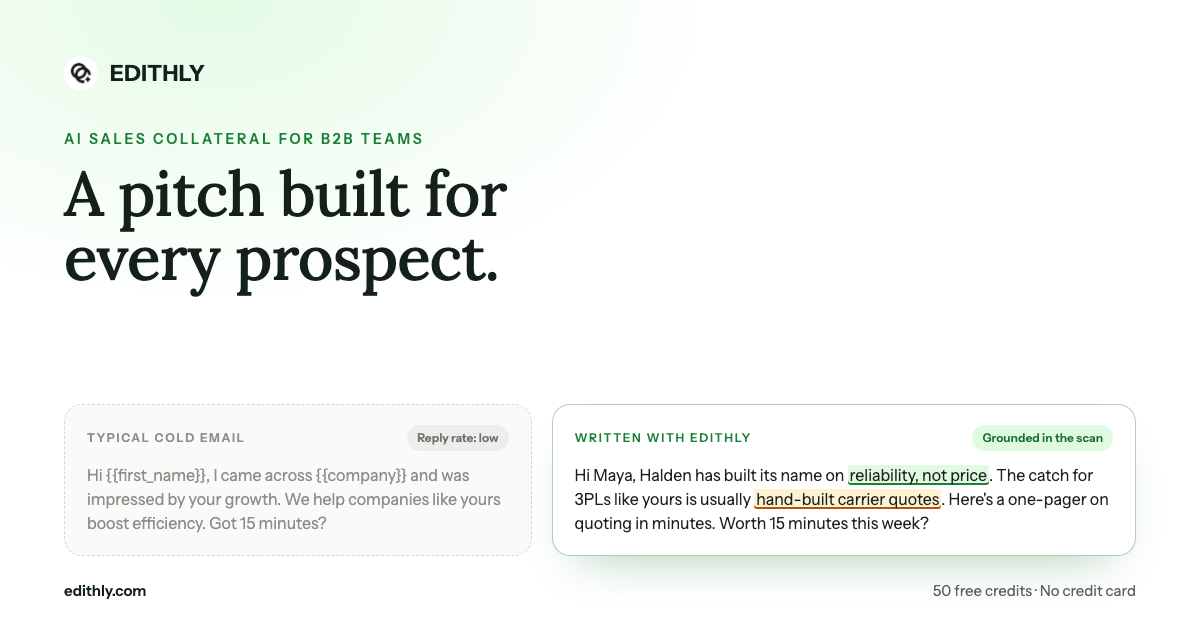
Bottom line: the reason personalized collateral does not make it into outbound is that it lives in a separate tab. One webhook step puts it inside the sequence, the enrichment table, or the CRM workflow your team already runs.
The Shape of It
Every integration is the same three moves:
- Create an API key on the integration page of the playbook you want to generate against.
- Make a POST request to the generation endpoint with the prospect's fields and the material type.
- Use the share URL that comes back — in the email body, as a CRM property, as a column value.
The playbook ID in the request determines which product's positioning, proof points and brand the asset is generated with. Multi-product teams point different sequences at different playbooks.
Apollo: A Webhook Step in the Sequence
Add a new step to your sequence and make it a webhook. Paste the endpoint, add your key as a bearer token, and map Apollo's variables — {{prospect.company}}, the website field, the contact name — onto the request body.
The response carries a share URL. Drop it into the email step that follows, and every prospect who reaches that point in the sequence gets an asset built for them rather than the same link as everyone else.
This is the highest-leverage placement for most teams, because the sequence is already the thing that runs without anyone touching it.
Clay: An HTTP API Enrichment Column
In Clay, personalized collateral becomes just another enrichment.
Add an HTTP API column, map your existing company name, website and contact columns to the body fields, and each row resolves to an asset link. It behaves like any other Clay enrichment — run it on a filtered view, waterfall it after your other enrichments, use the output in a downstream column.
For GTM engineers this is usually the fastest path to value, because the table already holds clean, enriched prospect data.
HubSpot: A Workflow Webhook, Saved to a Property
In a HubSpot workflow, add a webhook action pointed at the endpoint and map HubSpot tokens such as {{ contact.company }} into the body.
Save the response to a custom contact property. From that point the link is a merge tag: usable in any email template, visible on the record, and available to every rep without a second tool to learn.
Zoho CRM: A Deluge Function on Lead Creation
Zoho uses a short Deluge function rather than a no-code webhook. The snippet is provided ready to paste — it fires on lead creation, calls the endpoint with the lead's fields, and writes the share URL onto the lead record.
Net effect: by the time a rep opens a new lead, the personalized asset already exists on it.
Anything Else: Generic REST
If your tool can make an HTTP POST, it works. Zapier, Make, n8n, an internal service, a script in your own stack — the integration page shows the raw request so you can wire it wherever your process actually lives.
Which Placement Fits Which Team
| Team | Placement | Why |
|---|---|---|
| Outbound SDR team | Apollo sequence step | Runs unattended at volume |
| GTM engineering | Clay enrichment column | Fits the existing waterfall |
| Marketing operations | HubSpot workflow | Link becomes a merge tag for everyone |
| CRM-led sales org | Zoho Deluge on lead create | Asset exists before the rep opens the record |
| Everything else | Generic REST | Wire it into the process you already have |
What to Watch For
Being straight about the operational realities:
- Generation costs credits. A webhook firing on every new lead will consume them at the rate leads arrive. Filter the trigger to the segment that warrants an asset.
- Field quality determines output quality. A row with a company name and no website produces a weaker asset. Enrich before you generate.
- Keep the playbook current. The endpoint generates against saved positioning; if your pitch changed and the playbook did not, the API will faithfully reproduce the old pitch at scale.
The Manual Path, If You Prefer It
Not every team wants a webhook. The same generation runs from a CSV import over a whole prospect list, or one account at a time from the app. The API just removes the last manual step for teams already running automated sequences.
Before wiring anything up, make sure the product playbook behind it is right — everything the API generates inherits from it.
Wire Up One Sequence
Pick your highest-volume sequence, add one webhook step, and compare reply rates against the version without it.
Start with the GTM pilot at edithly.com/gtm — 50 free credits, every format, no credit card required.