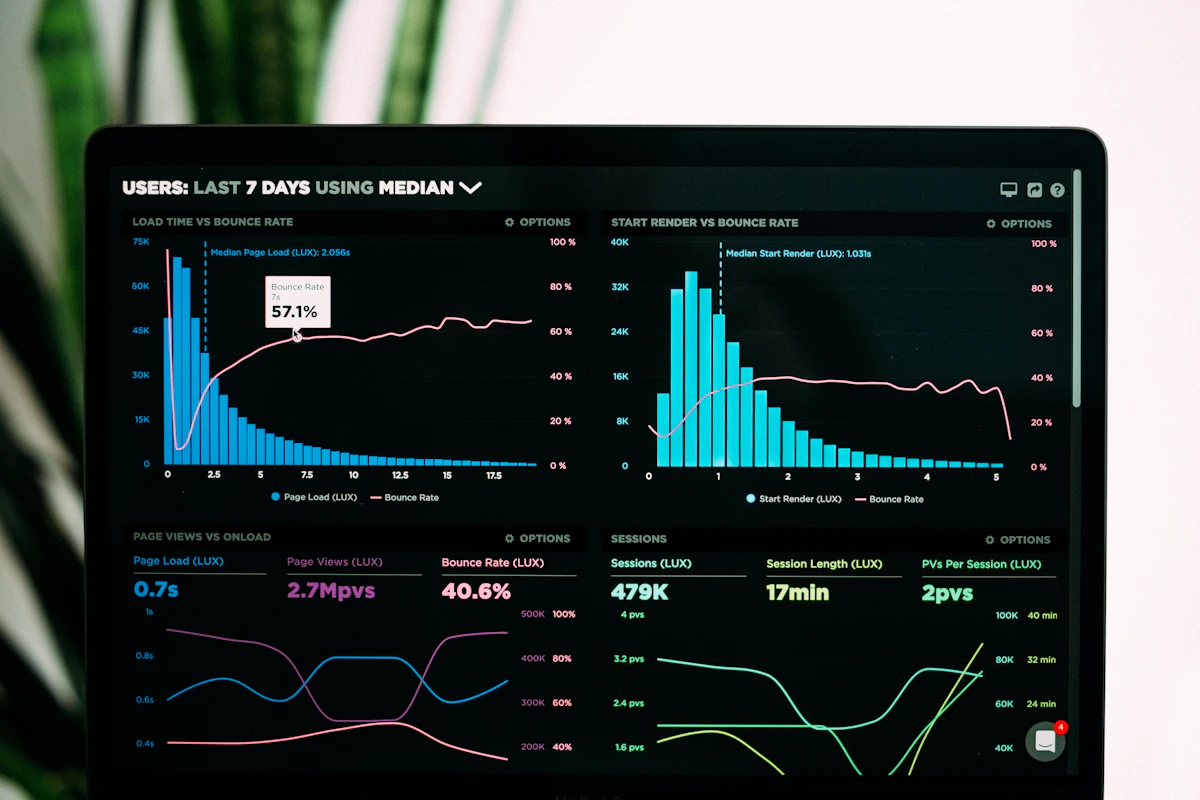
Direct answer: Upload any document to Edithly and generate a shareable infographic in under 60 seconds. Edithly reads the document, extracts key data points and insights, and creates a visual summary automatically.
Why Infographics Still Matter
In a world where everyone is trying to extract information faster, visual summaries remain the most effective format for rapid comprehension and sharing. A well-structured infographic:
- Communicates in 30 seconds what takes 5 minutes to read
- Gets 3× more shares than text-only content on social media
- Is retained in memory 6 hours later at significantly higher rates than text
- Works across language barriers with visual hierarchy and data
The problem with infographics has always been the time cost: hours of manual content extraction, design work, copy editing. Edithly eliminates the content extraction step entirely.
How Edithly Generates Infographics
Step 1: Document analysis
Edithly reads your entire uploaded document and identifies:
- Key statistics and data points
- Main claims and conclusions
- Process steps or sequential information
- Comparative data (before/after, A vs B)
- Named entities and definitions
Step 2: Content selection
The AI selects the most visually expressible and most important elements from the document — prioritising statistics, comparisons, processes, and key findings over narrative prose.
Step 3: Visual structure generation
The selected content is arranged in an infographic structure with visual hierarchy: headline finding → supporting statistics → process/comparison → context/source.
Step 4: Review and edit
The generated infographic is yours to modify. Adjust emphasis, edit text, change the selected data points, or change the visual structure before sharing.
Use Cases by Audience
Students: Make Your Notes Shareable
You've processed a 40-page research paper for your university assignment. Upload it to Edithly. Generate an infographic summarising the paper's key findings. Share with your study group via link — they understand the paper in 30 seconds without reading it.
For JEE and NEET students (India): Generate infographic summaries of complex chemistry or biology chapters — share with your WhatsApp study group as a quick-review tool before tests.
For VCE and HSC students (Australia): Convert study notes on complex topics (economics models, legal principles, biological processes) into shareable visual summaries for group revision sessions.
Researchers: Communicate Findings Visually
You've spent months on research. Your findings are locked in a 15,000-word dissertation. Upload the methodology and results chapters to Edithly. Generate an infographic summarising:
- Research question
- Sample size and methodology
- Key findings (top 3–5 statistics)
- Conclusion
Share at conferences, on ResearchGate, or on LinkedIn. Your research reaches a broader audience in a format they'll actually consume.
Content Marketers: Blog and Social Content at Scale
You're publishing a long-form SEO article. Upload the article draft to Edithly. Generate an infographic version — ready to publish as a Pinterest graphic, share on LinkedIn, or embed in the blog post as a visual summary.
One piece of long-form content becomes a multi-format content package in under 5 minutes.
Business Analysts: Report Summaries for Stakeholders
Your 50-page quarterly business review is ready. The CEO has 5 minutes before the board meeting. Upload the report to Edithly. Generate an executive summary infographic: key metrics, performance vs targets, outlook highlights.
The full report exists for those who want depth. The infographic gets the message across in the meeting.
Sales Teams: Turn Case Studies into Visual Proof
You have a detailed customer success case study: the problem, the implementation, the results. Upload it to Edithly. Generate an infographic version: customer context → challenge → solution → measurable results. Share in the sales deck, email to prospects, post to LinkedIn.
Case study infographics convert at 2–3× the rate of text-only case studies in sales contexts.
Edithly Infographic vs Alternatives
| Feature | Edithly | Canva | Piktochart | Visme |
|---|---|---|---|---|
| Auto-generate from document | ✅ | ❌ | ❌ | Limited |
| Editable output | ✅ | ✅ | ✅ | ✅ |
| Shareable link (no login) | ✅ | ✅ | ✅ | ✅ |
| Document Q&A + other tools | ✅ | ❌ | ❌ | ❌ |
| Free tier | ✅ | ✅ | Limited | Limited |
| API access | ✅ | Limited | ❌ | ❌ |
The key differentiator: Edithly generates from your document automatically. Every other tool requires you to manually input the content.
Share Your Infographic Instantly
Every Edithly-generated infographic gets a shareable public link. No login required for viewers. Share via:
- Direct link (email, WhatsApp, Slack, Teams)
- LinkedIn post (paste the link)
- Twitter/X (paste the link)
- Embed in a blog or website
Your document's insights reach the world in the format that actually gets consumed.
Start generating — upload any document free, no credit card required.